

AI and automation
Automation of recurring tasks, search across company knowledge and preparation of material for decisions.


SMFR_36 · English edition
We turn documents, systems and knowledge into tools for your business.
15 years of experience
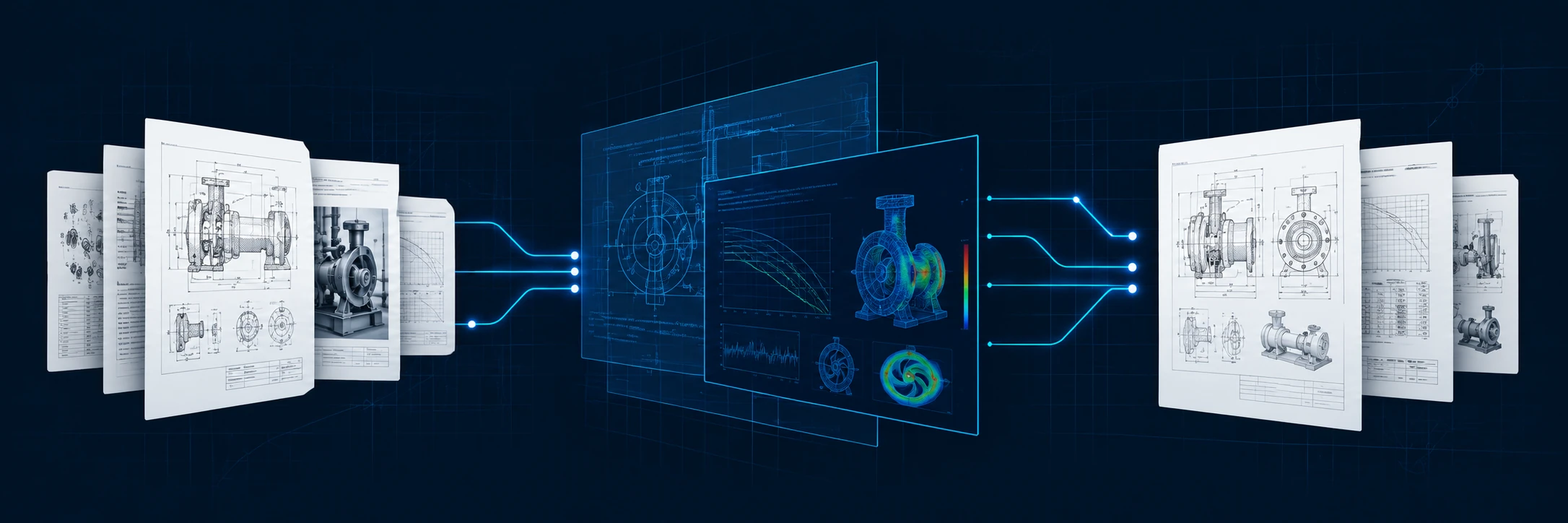
Documents, measurements and your team’s knowledge.
Connected information. A clear view of the task.
A translation, a report or a tool for your work.
THELEON36
Translation, your own glossaries and a clear document review.
Explore THELEON36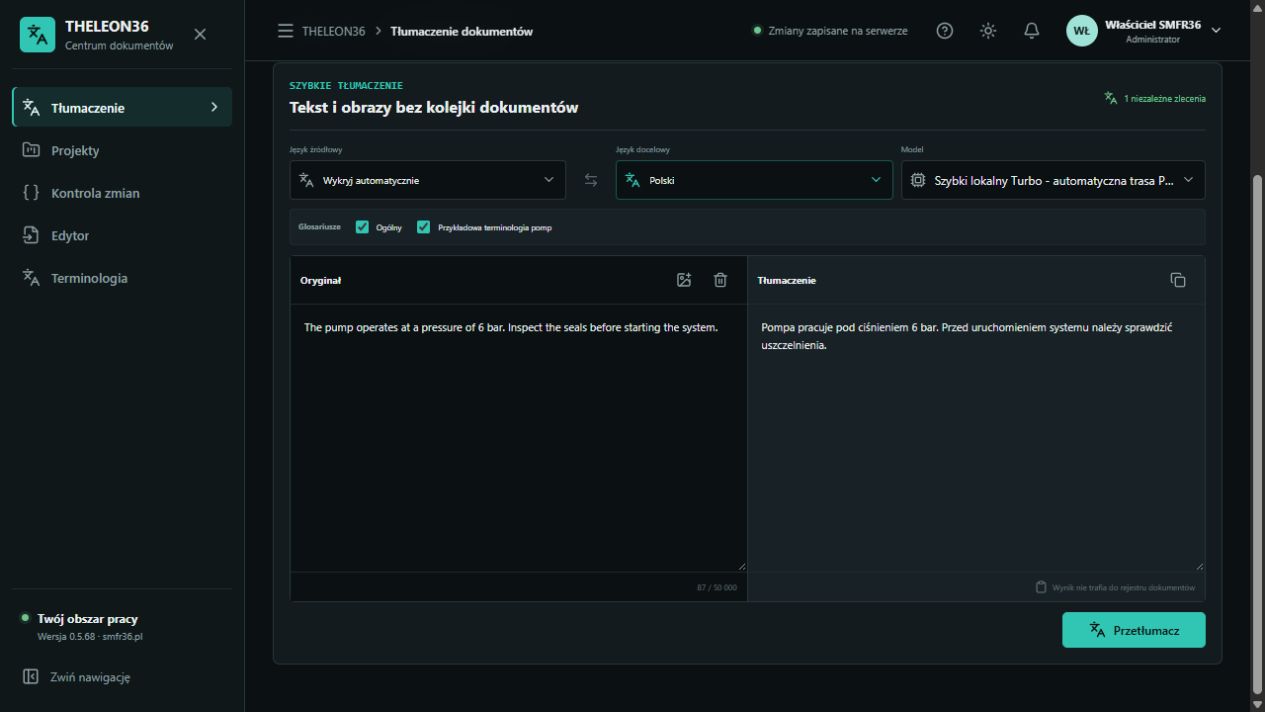
Our areas
From a single process to connected systems. Choose where you want to move forward.
Automation of recurring tasks, search across company knowledge and preparation of material for decisions.

Data collection from machines and processes, trend analysis and interpretation in the context of your work.

Custom software and connections between existing systems. Less copying, more consistent data and easier access to information.

Organised documentation, consistent terminology and tool-assisted translation. More time for quality review.
Solution design, consulting and practical workshops. Knowledge your team can apply independently.
Our approach
Start with a goal and a baseline. Test an agreed example, assess the result and decide how to proceed.
The process, data sources and expected result. A clear scope and evaluation method.
A small useful part of the solution, compared with the current workflow.
Integration, instructions, team preparation and agreed maintenance.
AI in your organisation
A useful idea needs data, evaluation and people who can put the result to work. Choose a starting point that fits your team.
Scope, tangible outputs and evaluation criteria, taking account of the software you already use.
Local AI · Integration
Connect documents, case history and data from the systems your team already uses. Local AI helps find information, draft responses and analyse data within the same workspace.
Document knowledge, case history and operational data connected to a person’s task. Explore integration and pilot scenarios.
Data in practice
Equipment readings, spreadsheets and event history can offer more than another file. Bring them together to understand a process and decide what to do next.
Combine parameter readings with event history. Follow trends and spot deviations worth examining during a technical review.
Bring spreadsheet and database records into one report. Missing-data checks, consistent totals and source links make the next reporting cycle easier.
See logs, alarms and service work on a shared timeline. Find recurring symptoms and the evidence needed for diagnosis.
Your own AI
Search, analysis and document work within your own network. We match the model and integration to your data, hardware and team.
Files and the model can run on a company computer or server. Connections for activation, updates and support are planned separately.
An assistant finds information in documents accessible to each employee and links back to its sources. Search uses existing knowledge without needing to train the model.
A local setup needs no external AI engine subscription. Licences, hardware, implementation and maintenance are included in the overall cost.
User roles, backups, updates and support access are part of the design. Your team receives clear operating and maintenance instructions.
Software
A ready-made product can be the starting point. Custom software makes sense when the task needs a specific data workflow or integration.
Translate documents, use your own glossary and review the result alongside the original.
Connect existing systems or build a tool for a task that ready-made software does not cover.
FAQ
With your task. We agree on the goal, scope and how to assess the result.
We match the tool to the process: automation, an existing application or your own model. Everyday usefulness comes first.
We build on what already works, connecting available files, databases and interfaces.
A short process description, a list of data sources and the expected result. We agree how to share a sample together.
On your hardware or in an agreed service. Data flow and access rules are defined before deployment.
Readings, trends, deviation detection and reports supporting technical assessment. The scope fits your equipment and process.
We agree the schedule after reviewing the task and available data. Every pilot has a defined scope and acceptance criteria.
By scope, integration and maintenance needs. You receive a proposal before work begins.
A local engine can run without an external AI service subscription. Licences, hardware and maintenance depend on the project.
The solution, instructions and preparation for independent use. Support is defined in the proposal.
Yes. Practical workshops on AI, data and documentation are tailored to your team.
Agreed arrangements for updates, support access, backups and recovery.
Next step
A few sentences about the task and expected result are enough. A first conversation helps identify what is worth testing.
Tell us what you want to improve. We will find a useful place to start.